Personal Time Off delegation setup
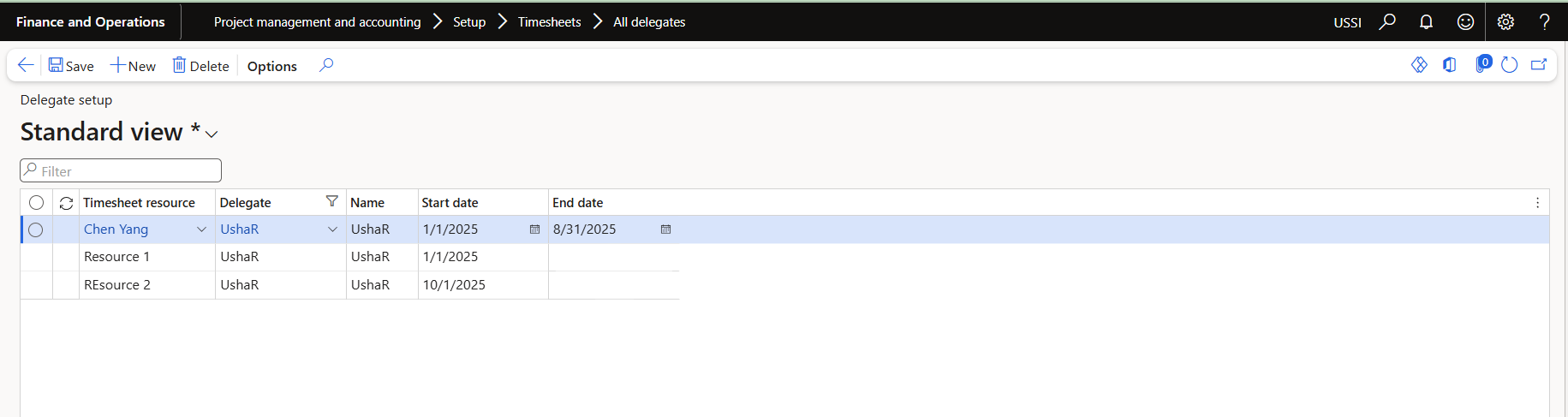
User has to create Timesheet delegates which can be used in creation personal time off request for another user. Users can create PTO requests only for delegated resources who are active as of today’s date.
Go to Project management and accounting > Setup > Timesheets > All delegates.
Creation of Personal Time Off for another resource
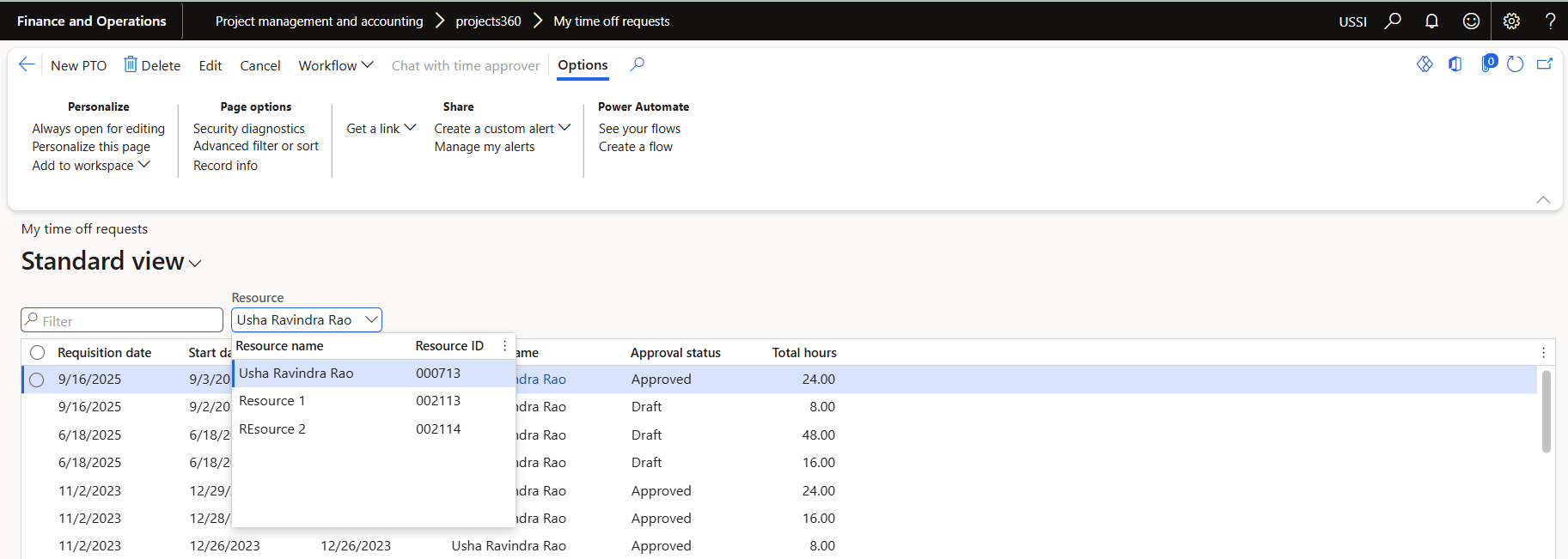
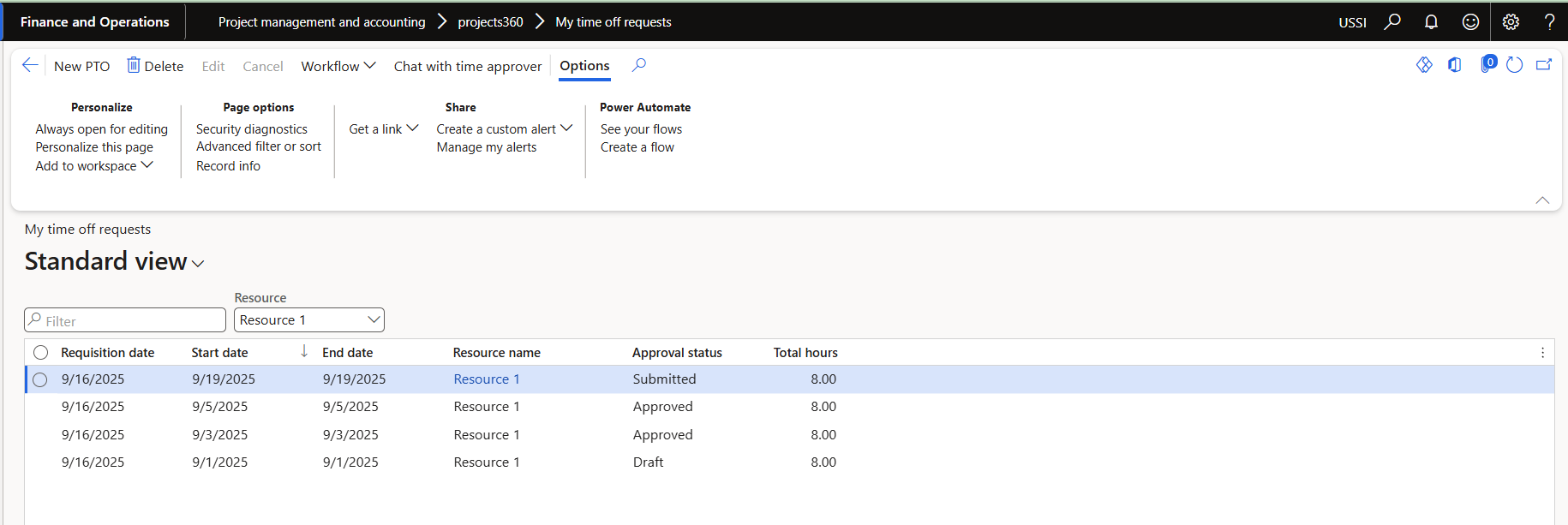
Once the user has created the timesheet delegates, users can create personal time off request for another user by selecting resources from the provided Resource lookup field.
Go to Project management and accounting > projects360 > My time off requests.