PTO
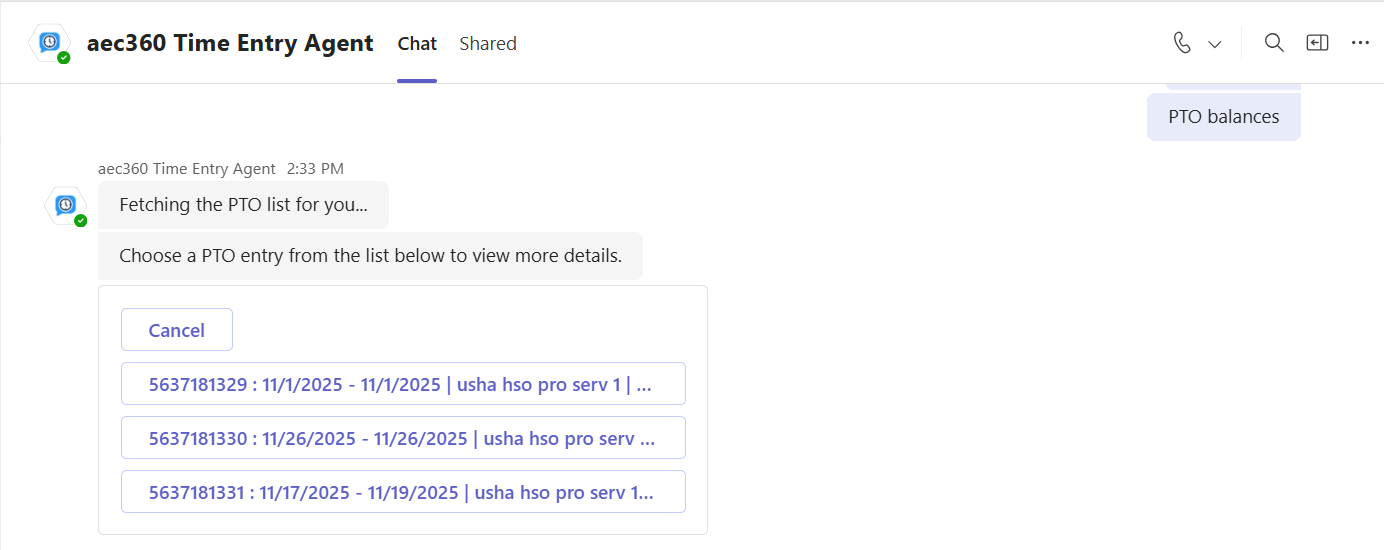
Users can ask the agent to display their personal time-off (PTO) requests. The agent retrieves all PTO requests and presents them in a list. From there, users can select a specific request to view its details.
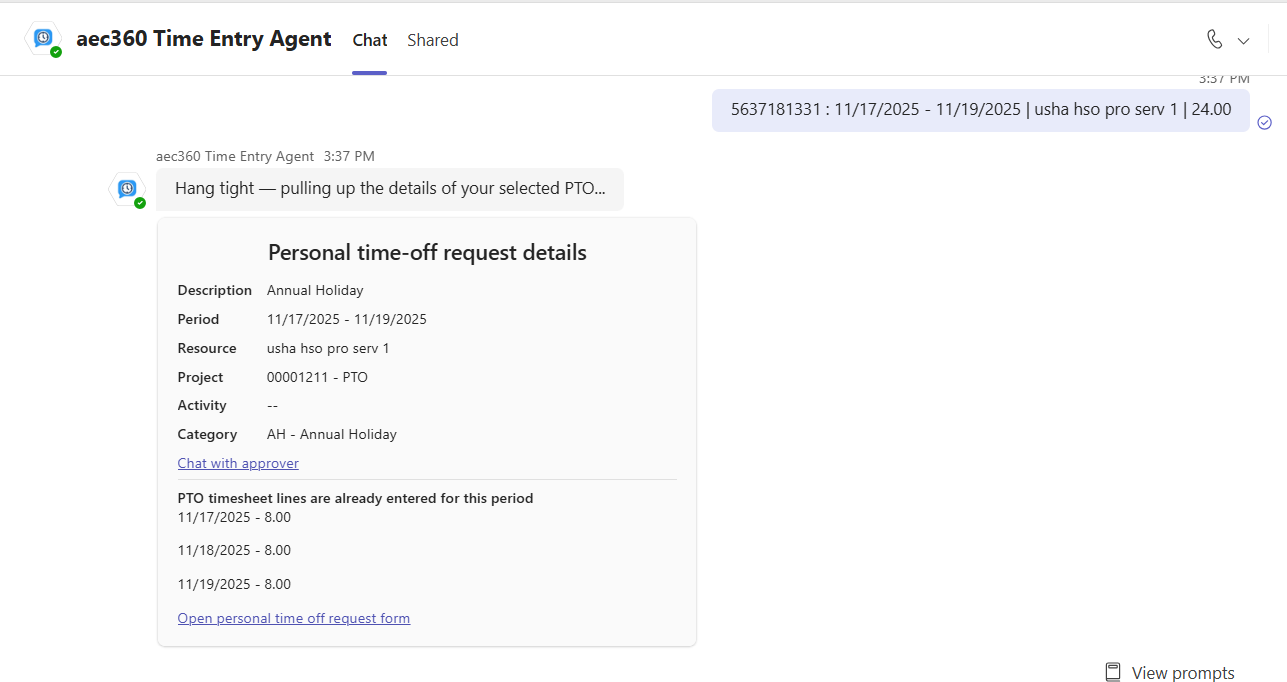
Select a PTO request to view its details. The agent displays information such as the PTO period, project category, and whether timesheet lines have already been entered for that period. From there, you can chat with the approver or open the personal time-off request form for further actions.