Proforma invoices clean up
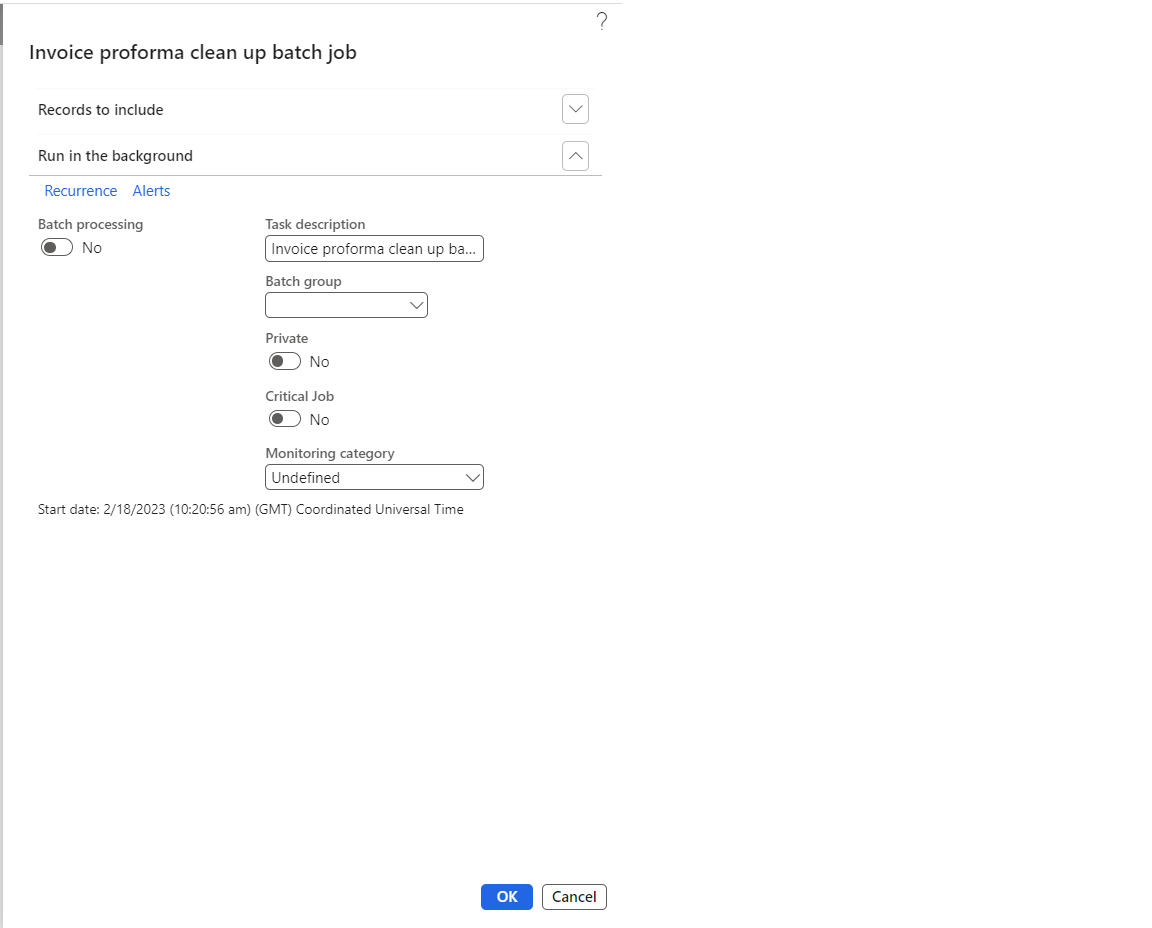
New periodic job ‘’Proforma invoices clean up’’ is introduced to remove stuck “Proforma” invoices in tables. When the user execute the Proforma invoices clean up batch process, the process will search for the stuck invoices and remove from the respective tables.
Go to Project management and accounting > projects360 periodic > Proforma invoices clean up
Auto-submit/post intercompany vendor invoice
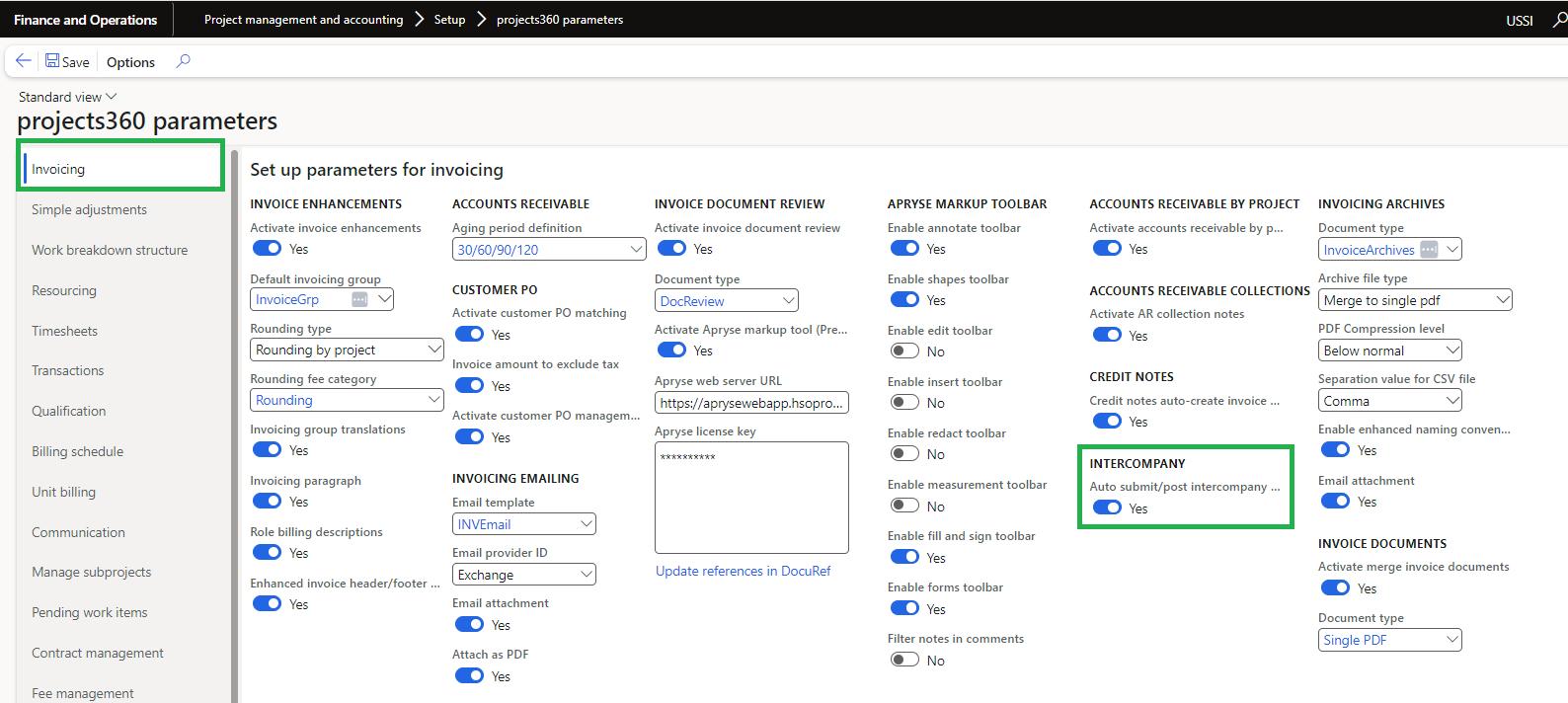
We’ve added a new parameter in the invoicing section of Projects360, as depicted in the screenshot below. If the “Auto-submit/post intercompany vendor invoice” parameter is enabled and the Vendor Invoice workflow is configured, the Vendor invoice will be automatically submitted to the workflow. Otherwise, the invoice will be posted.
This parameter facilitates automatic submission to workflow or posting of the Intercompany Vendor AP invoice when the Intercompany Customer AR invoice is posted. The primary goal of this enhancement is to address intercompany imbalances and reduce the likelihood of users overlooking one side of an intercompany entry.
Go to Project management and accounting > Setup > projects360 parameters > Invoicing
Update project ID for customer transactions
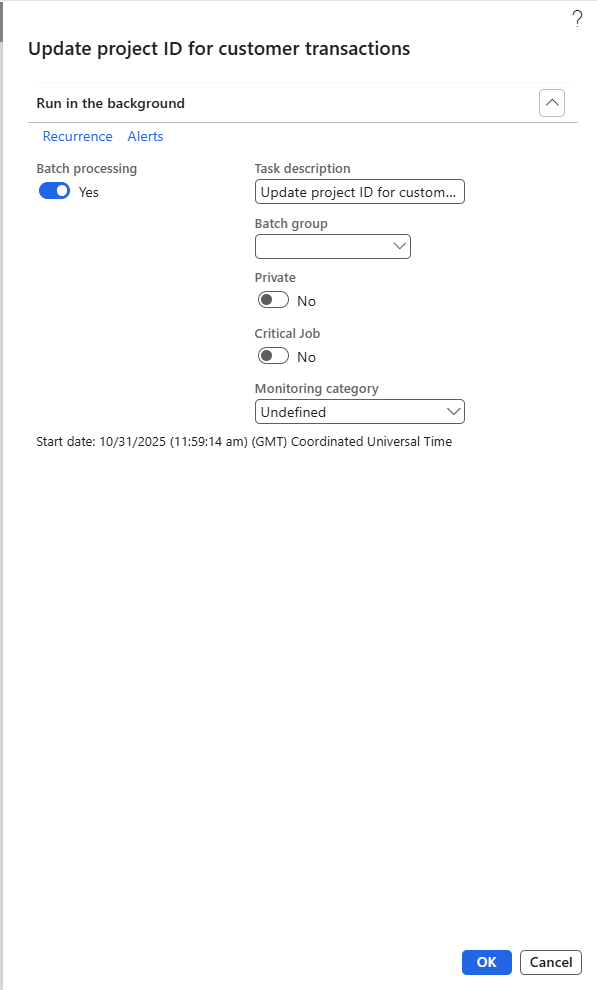
New periodic job ‘’Update Project ID for Customer Transactions’’ is introduced to ensure that all customer transactions are accurately linked to their respective projects by updating transactions with the appropriate Project ID.
When executed, the batch job scans all customer transactions posted through project invoice entries, identifies transactions missing a Project ID, and updates them by assigning the appropriate Project ID
Go to Project management and accounting > projects360 Periodic > Update project ID for customer transactions