Expense entry
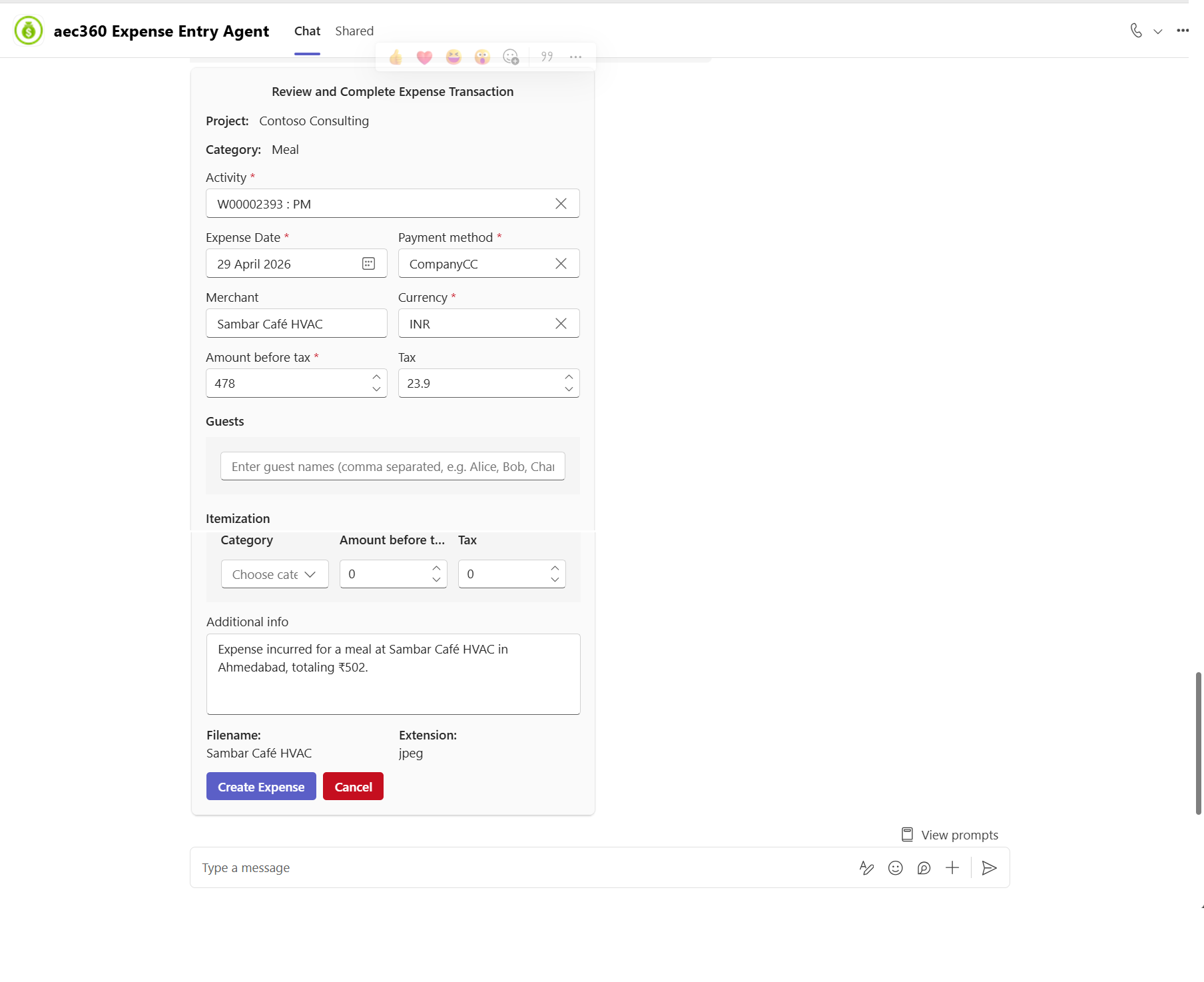
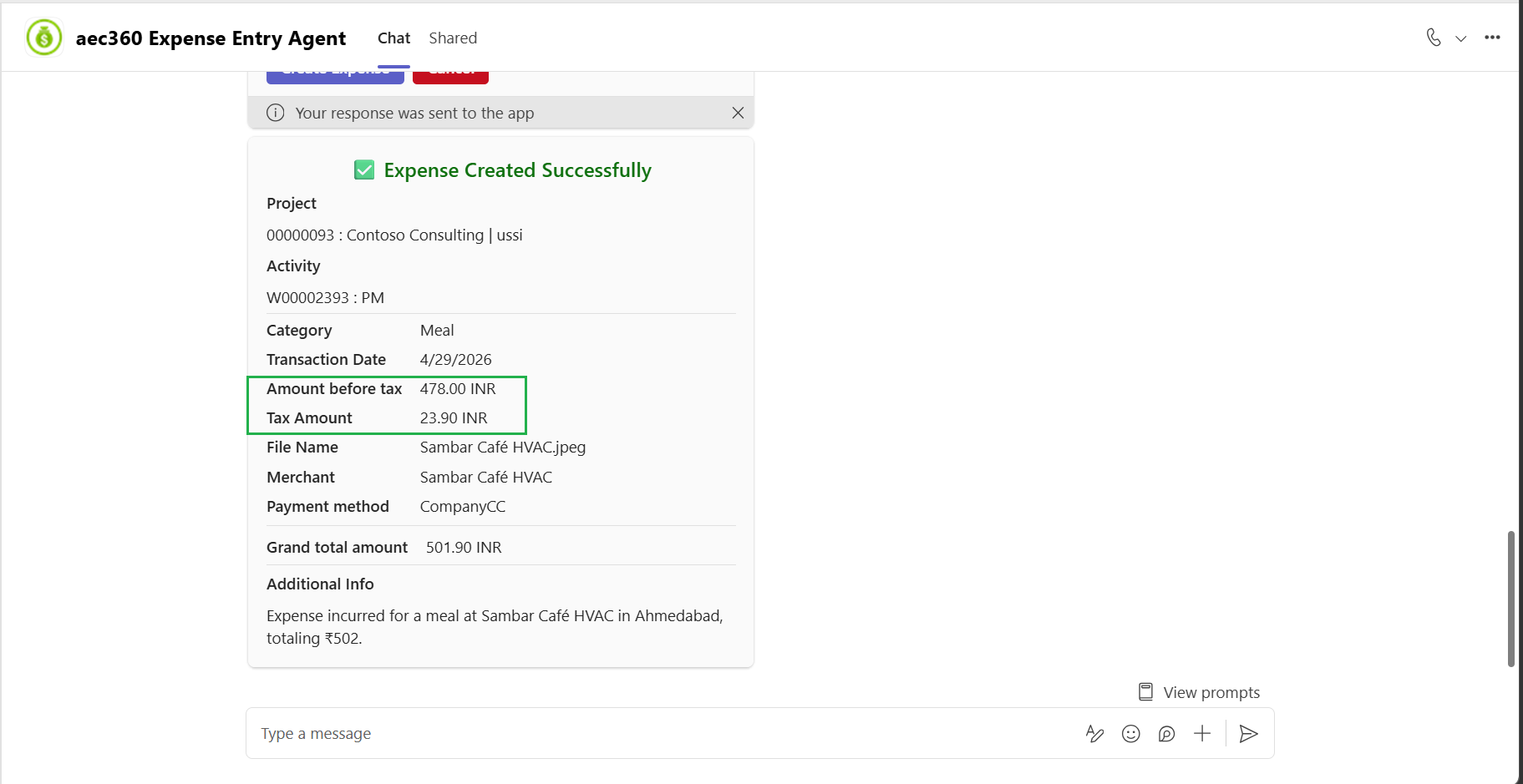
The Expense entry agent is capable of identifying applicable tax details from uploaded receipts. Once the receipt is processed, the agent validates and categorizes the detected tax information based on the receipt content. The extracted tax values are then displayed in the expense entry screen according to the parameters. This ensures accurate tax handling, improves compliance, and reduces manual effort during expense submission and verification.
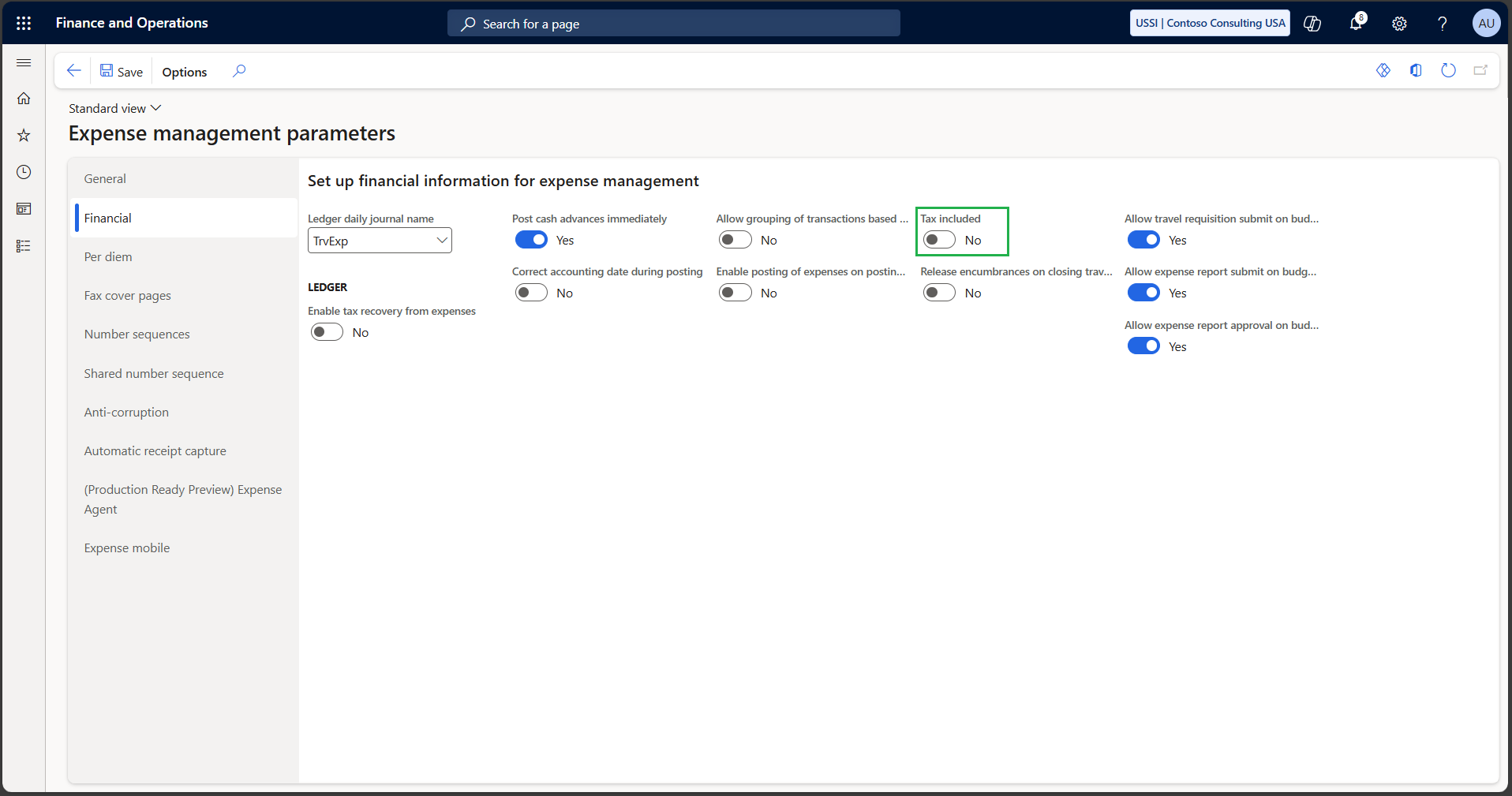
The tax amount is calculated separately and populated into the dedicated tax fields within the expense card, while the primary expense amount reflects only the net or base expense value excluding tax. This separation provides greater transparency into tax components, enables accurate financial reporting, and supports compliance scenarios where taxes need to be reviewed, audited, claimed, or reconciled independently from the actual expense amount.
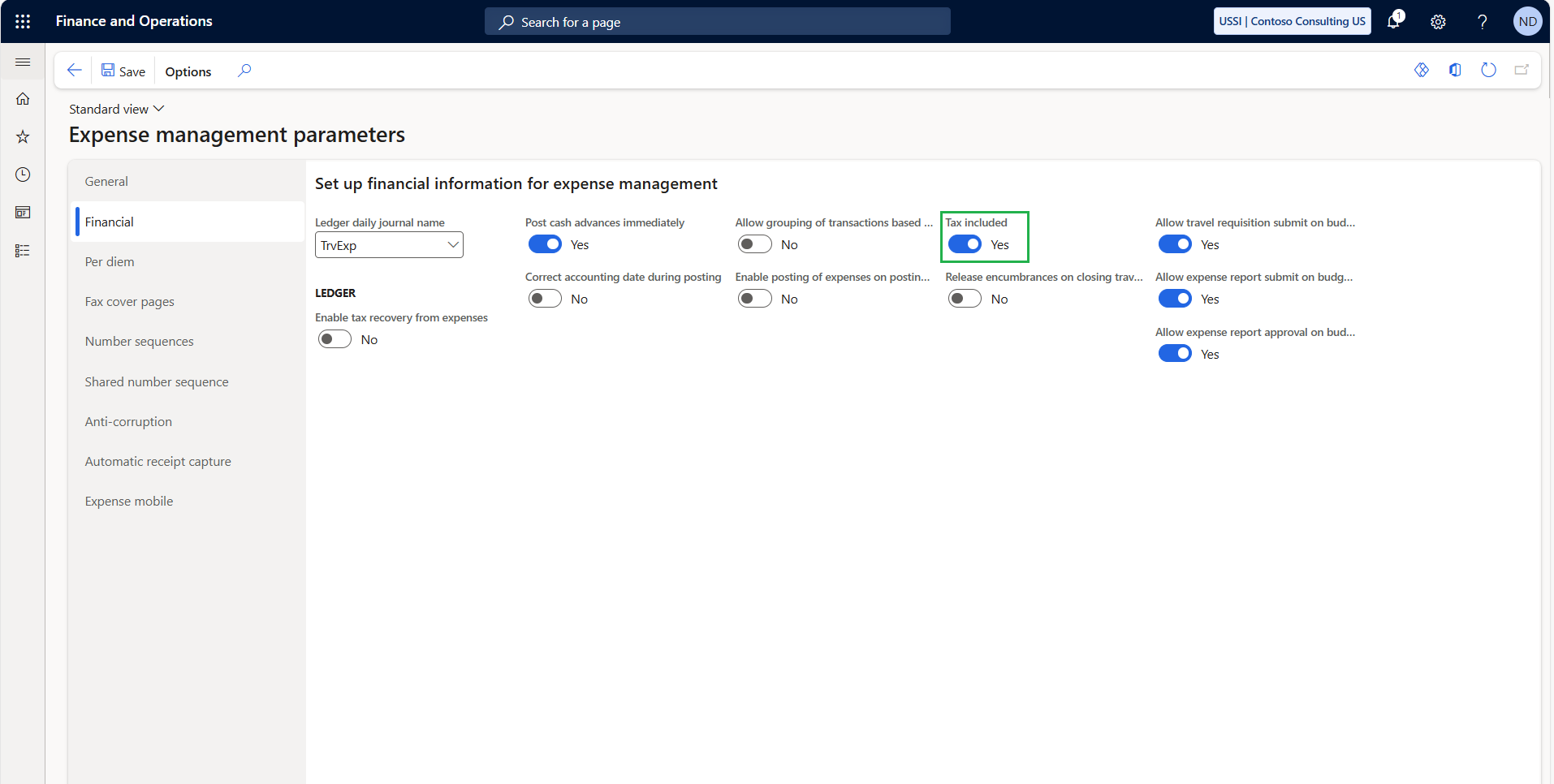
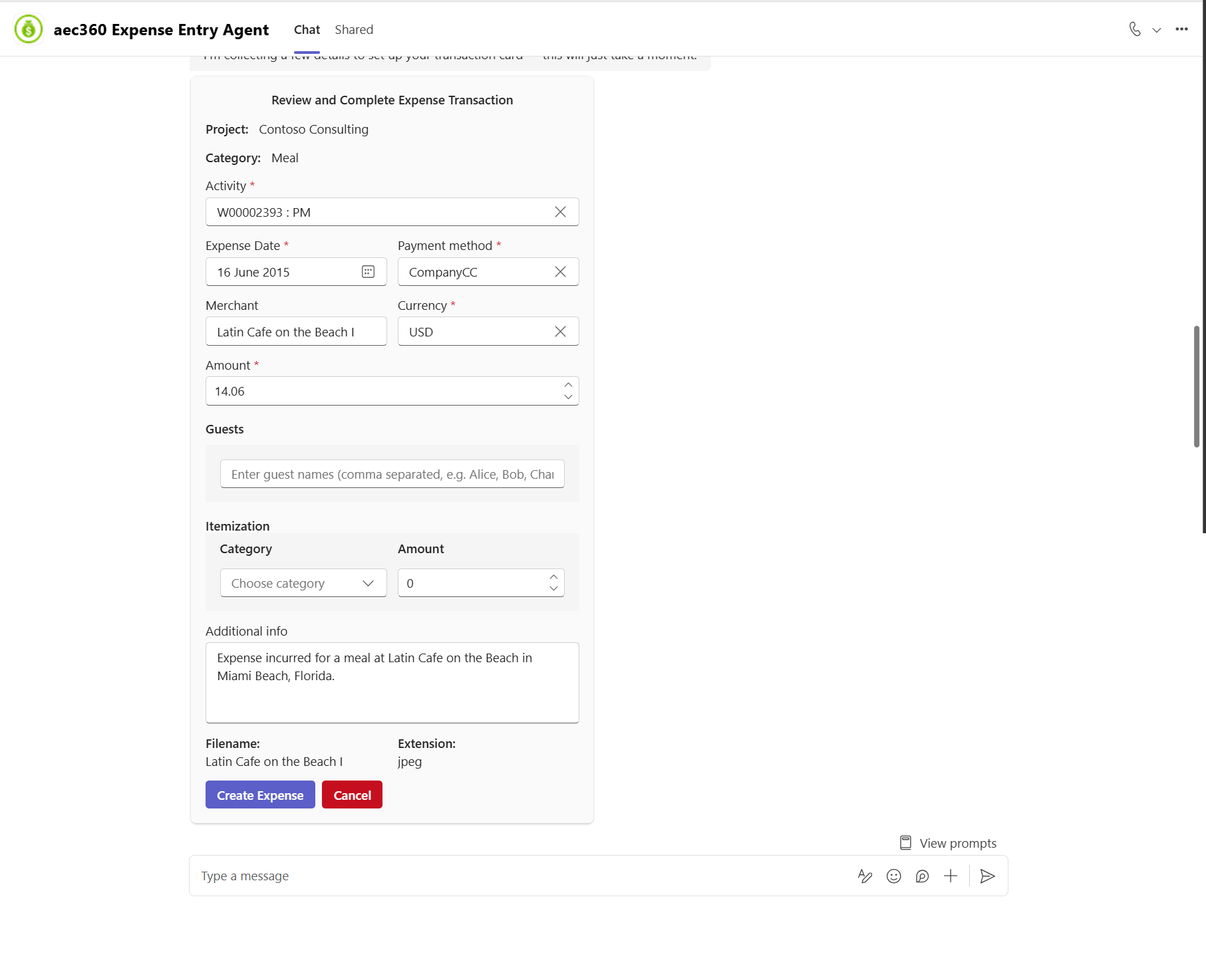
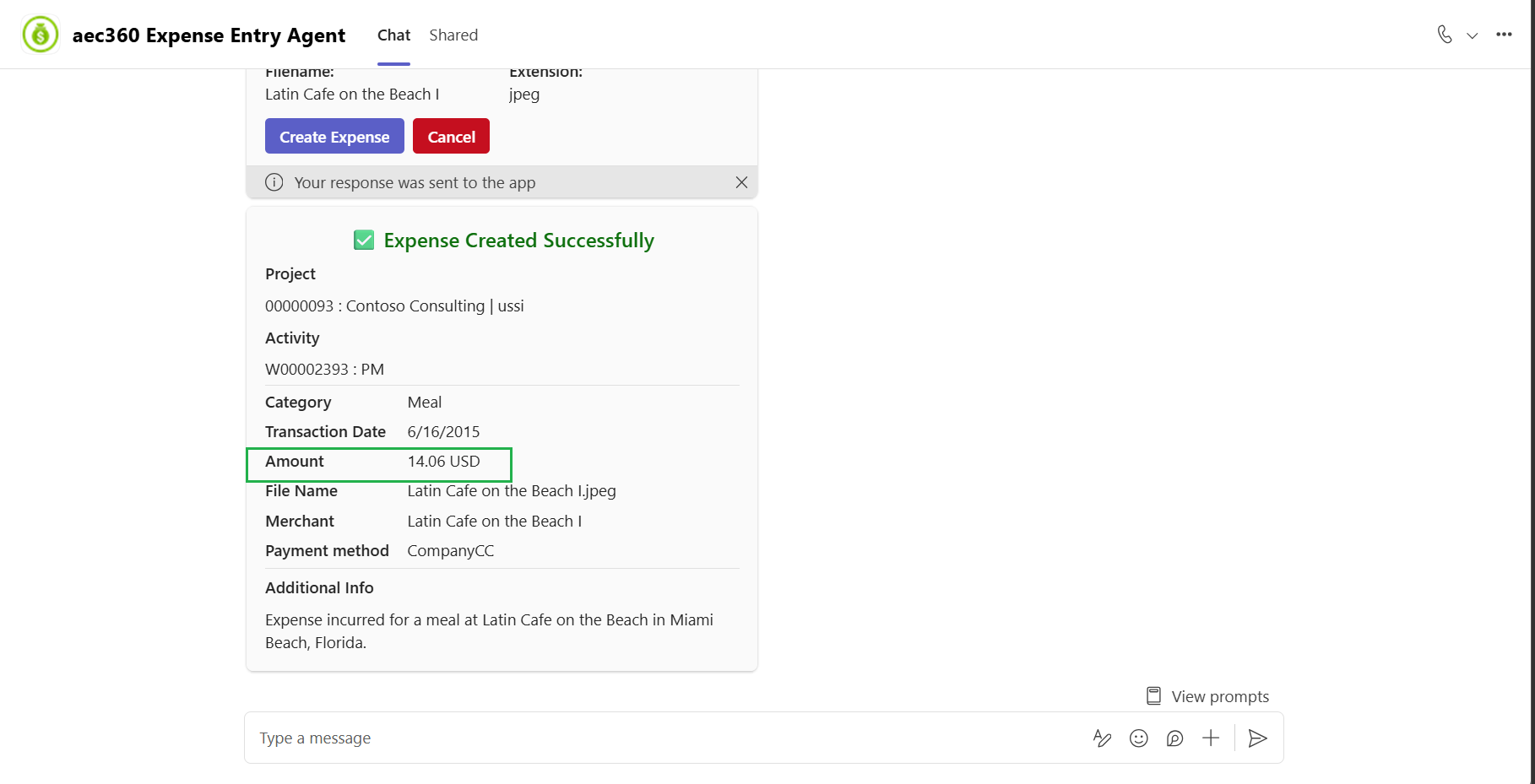
When the Tax included parameter is marked, the amount entered or extracted from the uploaded receipt represents the total payable amount, inclusive of all applicable taxes. The Expense entry agent processes the receipt and populates the expense card with a single consolidated value, without separating the tax into individual tax fields.