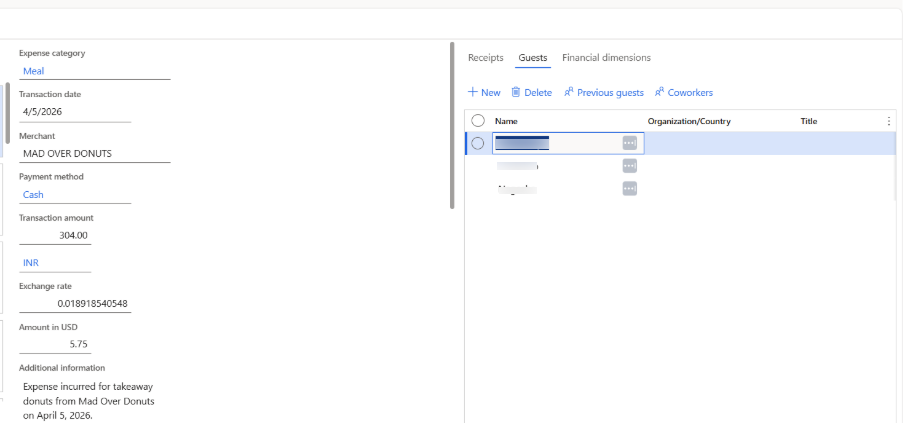
Create expense with guest details.
The Expense agent provides the ability to capture guest details for meal expenses to help organizations track attendees for compliance and auditing purposes.
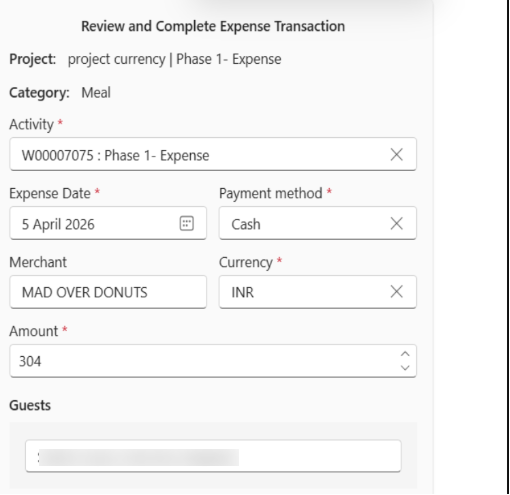
A Guests field is available directly on the expense review screen as an optional entry. You can enter multiple names in this field, provided they are added as comma-separated values, such as Alice, Bob, Charlie.
Once the expense is created, the guest details are added to the unattached expense transaction created in F&O.