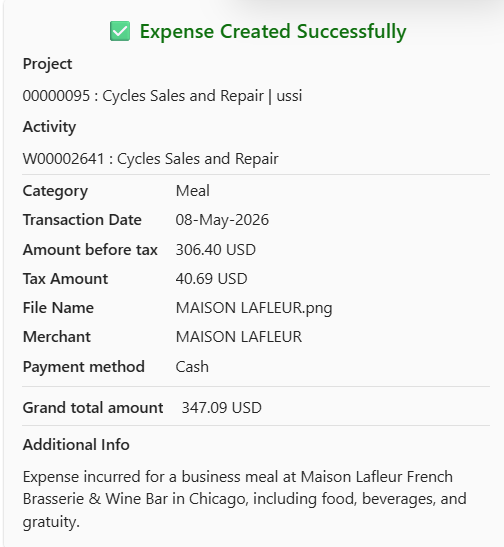
This functionality ensures that alcohol-related items are excluded from the expense entry. When enabled, the agent automatically detects alcohol amounts from the receipt and excludes them from both the total value and the expense details presented to the user.
If a receipt contains both alcohol and non-alcohol items, only the non-alcohol portion is considered for the expense. The values are adjusted accordingly, ensuring that the final expense reflects only eligible items without requiring any manual intervention.
Parameter setup
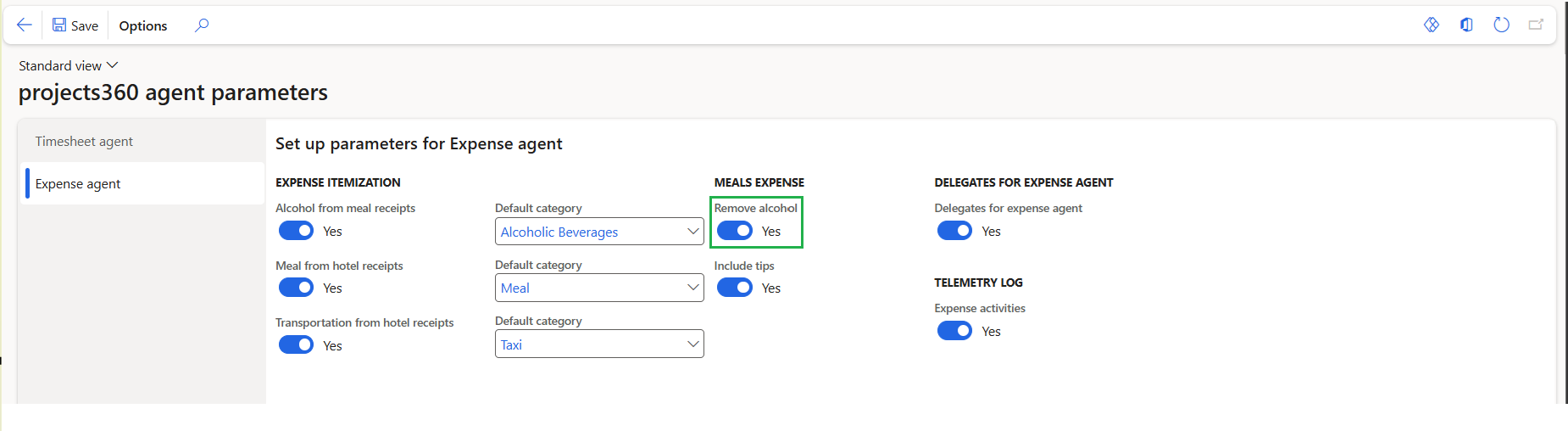
On projects360 copilot agent parameter form, under Expense agent tab, a configuration is available to control how alcohol-related items are handled during expense processing.
Go to Expense management > Setups > projects360 copilot agent parameters > Expense agent
| Fields | Description |
| Remove alcohol | When this option is enabled, the expense agent identifies alcohol-related items from the receipt and excludes them from the expense. These amounts are not included in the total and are not displayed in the expense details. |
Create an Expense with Remove Alcohol Enabled
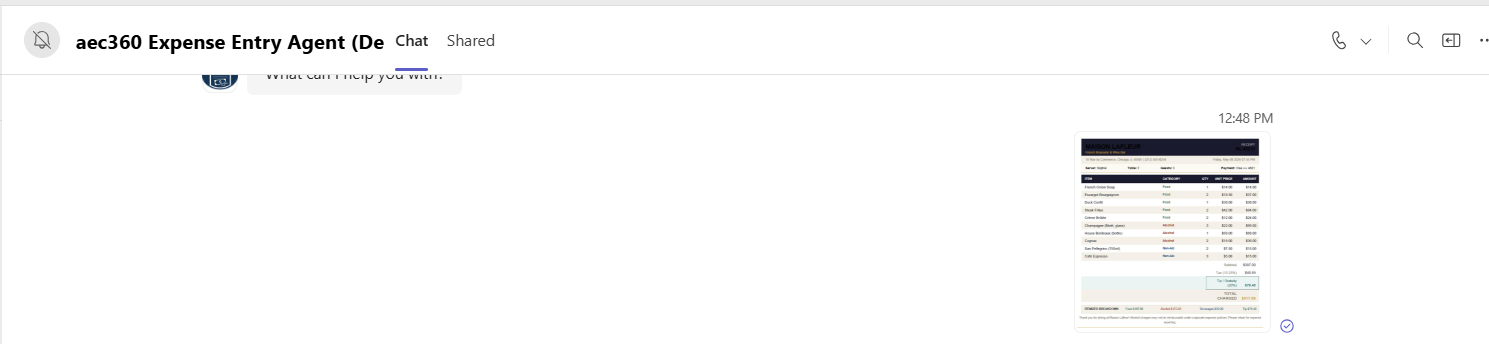
Begin by uploading the expense receipt in the chat. The agent analyzes the receipt and extracts key details such as date, merchant, total amount, and itemized values where available.
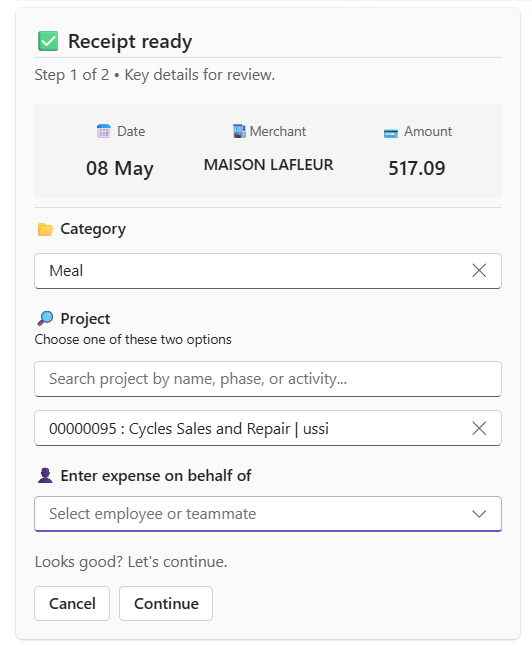
The agent displays the expense details for review. Even if itemization is enabled and the receipt contains alcohol-related items, these values are excluded when the Remove alcohol parameter is active. Only the non alcohol portion is reflected in the expense details and total.
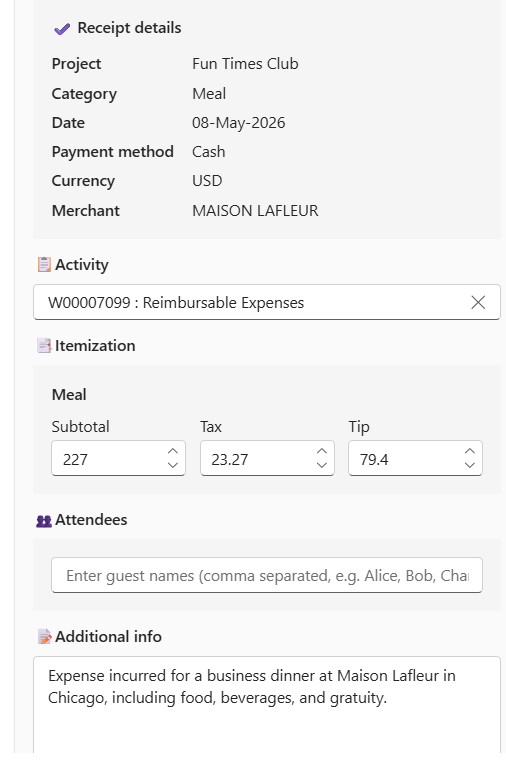
After reviewing the adjusted values, proceed to create the expense. The final entry will include only the applicable (non alcohol) amounts and will be posted to Finance and Operations accordingly.
!(zoom){