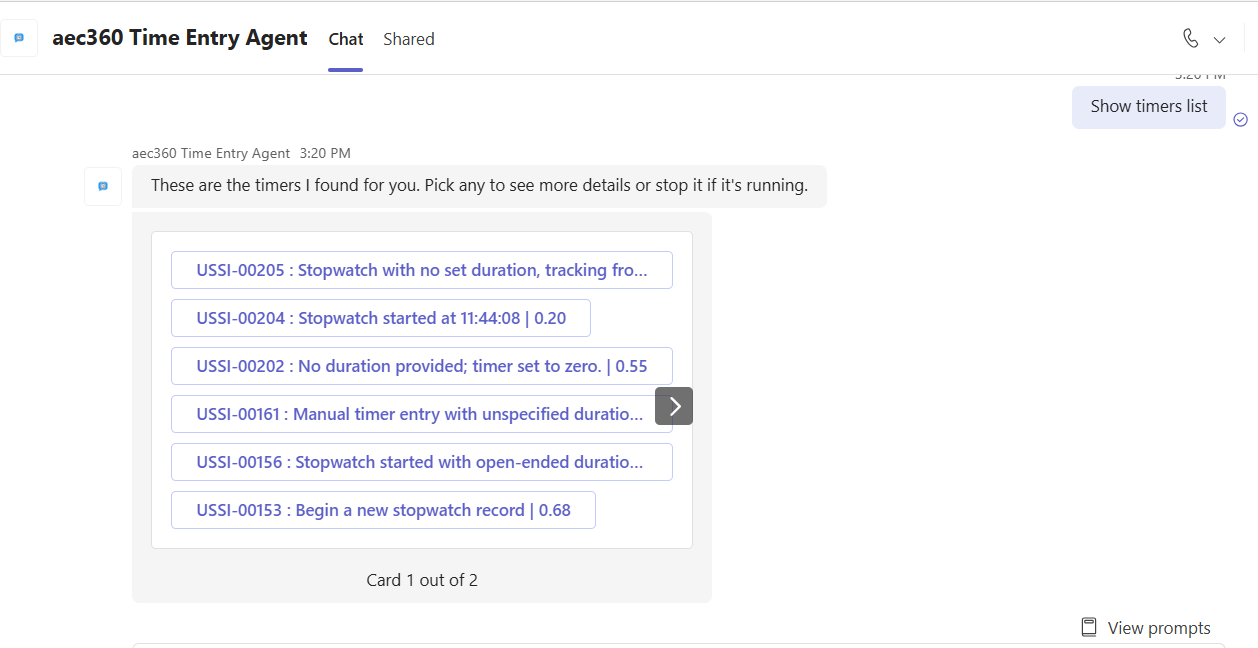
Timers list.
Users can ask the Time Entry Agent to show their created timers for quick and easy access. The agent immediately displays a list of all active and recent timers, providing a clear overview of tracked time—without having to navigate through multiple screens.
Examples:
• “Show timers list”
• “Show all timers”
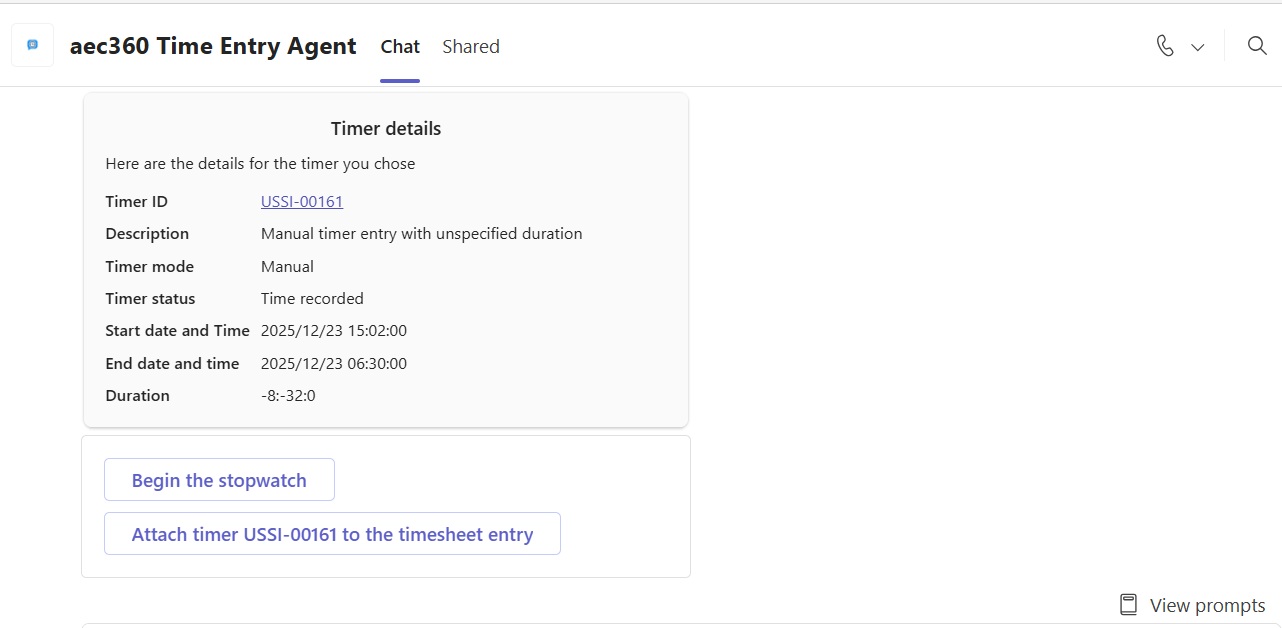
Users can select any timer from the list to see more details. The agent provides a clear summary of the selected timer, including key information such as the associated project, duration, start time, and status—making it easy for users to review and manage their tracked time.