Delete timesheet lines
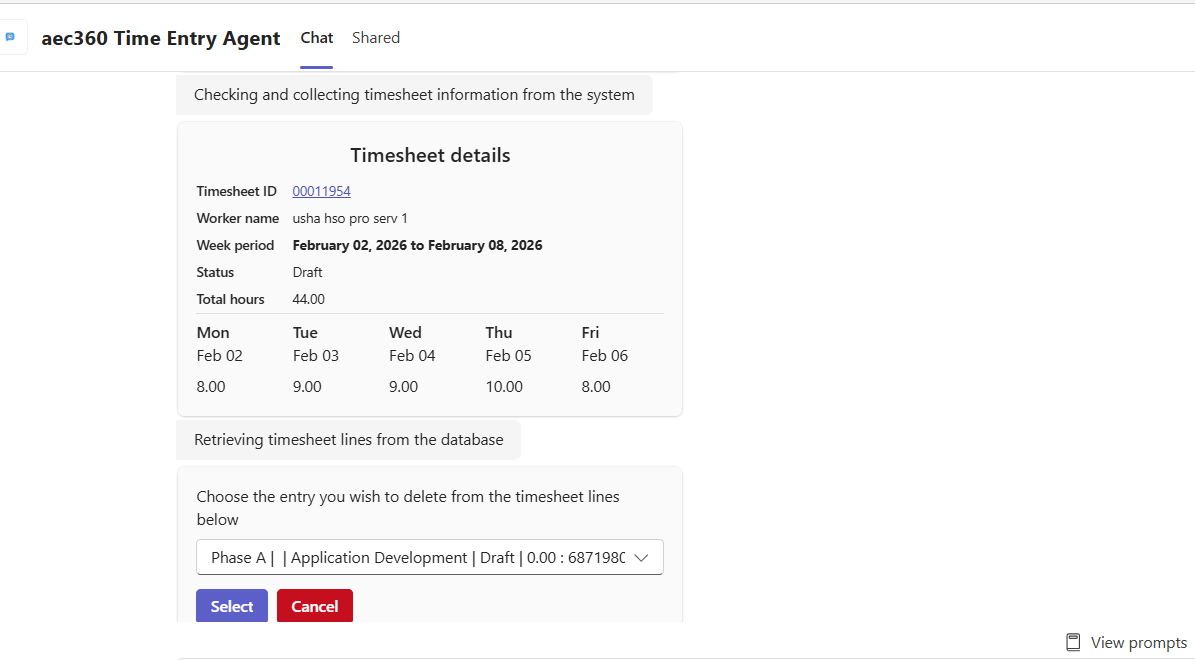
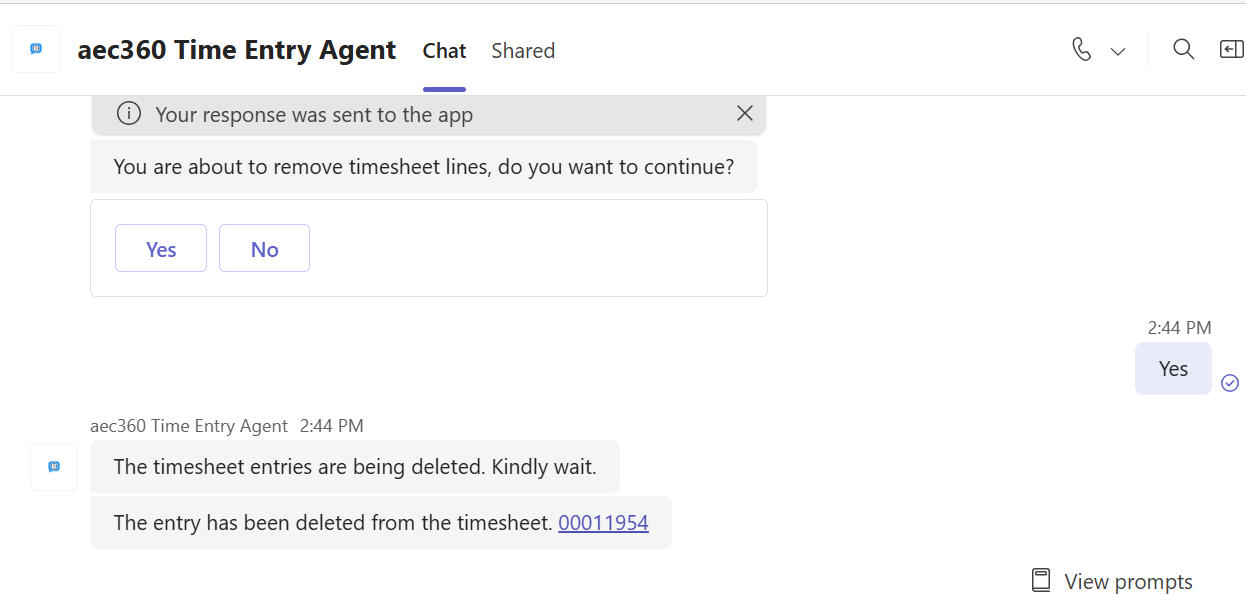
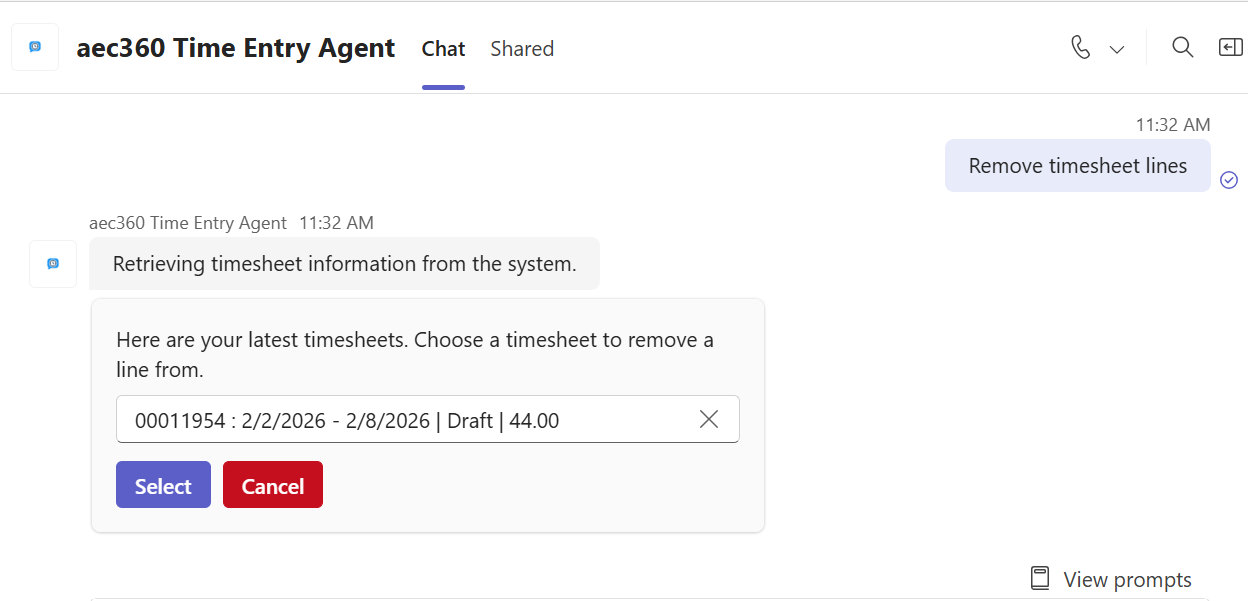
The agent makes deleting timesheet lines simple and efficient. It first shows a list of your latest timesheets in Draft state, allowing you to select one. Then, it displays the lines within that timesheet so you can easily choose which entries to delete.
Examples:
• “Delete my timesheets.”
• “Delete timesheet lines.”
The agent provides a full list of all timesheet lines within the selected timesheet, giving users a clear view of every entry. From this list, users can review each line and select the ones they want to remove. This makes it easy to manage and clean up timesheets, ensuring that only the relevant and accurate entries remain, all without navigating through multiple screens or performing manual searches.